Job Seekers: Job Application Pipeline, 100+ Job Boards with Appliqu

A job application pipeline is an automated system that finds, tailors, submits and tracks your outbound applications across job boards, replacing hours of manual searching and form-filling with a managed workflow. Done properly, it saves considerable time while keeping each application genuinely role-specific. Human review still matters at every stage: automation sets up the volume, you keep the authenticity.
TL;DR:
- Automation is most valuable for high-volume applications, but a human review step remains essential to ensure factual accuracy and tone.
- Building a master CV with all relevant details and tailoring documents with placeholders helps prevent mismatches and document confusion.
- Monitoring response and interview rates across different templates and categories allows for ongoing optimization and avoids template fatigue.
- Automated applications should be personalized beyond surface edits and reviewed manually before sending to avoid costs associated with AI detection and mismatched messaging.
- Appliqu offers scalable plans, from free testing to unlimited volume, with safeguards like approval modes and exclusion lists to ensure responsible automation.
Table of Contents
- The core components of a working pipeline
- Setting up your pipeline: a step-by-step checklist
- Automating responsibly: authenticity, recruiter expectations and privacy
- Measuring and improving pipeline quality
- How Appliqu puts this pipeline into practice
- Handling follow-ups and interviews after you apply
- Keeping your documents organised and under control
- Common pitfalls and how to fix them
- When automation helps most, and when it does not
- Try Appliqu to run this pipeline for you
- FAQ
- Sources
The core components of a working pipeline
Five parts need to work together before automation earns its keep. Each has a distinct job, and skipping one usually causes the whole system to underperform.
- Search: scans job boards continuously so you see new postings within hours, not days.
- Semantic matching: reads the full job description rather than scanning for keywords, so it catches roles your title alone would not have matched.
- Document generation: produces a tailored CV and cover letter for each posting, pulling from your master profile rather than reusing one generic version.
- Submission control: decides whether applications go out after your approval or run on a set schedule without it.
- Tracking: logs every application's status so you know where things stand without checking five different inboxes.
Automation earns its value in search and matching, where volume and pattern recognition beat manual browsing. Manual checks matter most at document generation and before submission, where a factual error or an oddly generic paragraph can cost you an interview before anyone reads the rest. We cover subscription pricing shapes later, once the mechanics are clear.
Setting up your pipeline: a step-by-step checklist
Building the system properly the first time saves you from fixing it after a bad week of mismatched applications. Work through these steps in order.
- Build one CV master document. Include every role, skill and achievement you might ever mention, formatted for applicant tracking systems: standard section headings, no tables or text boxes, a clean reverse-chronological layout.
- Verify the exact fields that templates will pull from: job titles, dates, company names, and three to five quantifiable achievements per role.
- Configure semantic matching prompts around your target function and seniority, then add exclusion rules for industries, locations or contract types you will not accept, to cut down on false matches.
- Build tailored document templates with placeholders for role-specific detail, and insert a mandatory review checkpoint before any document leaves your desk. This is where AI tailoring works best when paired with your own edit pass rather than left untouched.
- Choose your submission mode. "On approval" means nothing is sent without your sign-off; Autopilot sends automatically within limits you set. Either way, set a daily cap and an exclusion list of companies or domains to skip.
- Set up tracking labels (applied, viewed, interview, rejected) and notifications, then schedule a weekly triage to review responses and adjust templates.
- Define pause triggers, such as three rejections in a row from the same template, that stop automation until you have reviewed what is going wrong.
Pro Tip: Keep your exclusion list updated weekly; a single bad match sent fifty times does more damage than one you never automated at all.
Automating responsibly: authenticity, recruiter expectations and privacy
Automation only helps if the applications it produces still read as genuinely yours. CIPD's resourcing and talent planning report found that 27% of organisations that tried to recruit noticed candidates making excessive use of generative AI in their applications, and many of the employers who monitor for this have rejected candidates on that basis. That is a real cost of careless automation, not a hypothetical one.
Three rules keep you on the right side of that line:
- Keep every fact accurate: dates, titles and achievements must match your actual history exactly.
- Personalise beyond surface edits: swap more than the company name, reference something specific from the posting.
- Always have a human check before anything is sent, even under Autopilot limits.
Research finding: CIPD's resourcing report also notes that over a third of employers monitor AI use in applications, and most of those have rejected candidates for excessive use. That monitoring is now routine, not exceptional.
On data, store CV versions and personal details with retention limits and role-based access, and confirm where any connected job board sends your information. This is practical housekeeping, not legal advice; for anything jurisdiction-specific, check the legal detail separately.
Measuring and improving pipeline quality
Sending more applications is not the goal. Sending better ones is. Track a small set of numbers weekly: applications sent, response rate, interviews booked, and conversion by role category, so you can see which types of role actually convert rather than which ones simply get the most volume.
- Applications sent per week, split by job category.
- Response rate and interview rate per category.
- Which CV or cover letter template each response ties back to.
Run light A/B tests on your templates: two opening paragraphs, two ways of framing the same achievement, sent to similar roles in parallel. CIPD's bite-size research on algorithmic writing assistance found an 8% increase in hires in a controlled experiment where assistance clarified genuine skills rather than inventing new ones, which is the model worth following: refine what is true, do not fabricate what sounds better.
Stop a test once one version clearly underperforms across ten or more sends rather than waiting for a perfect sample. Add guardrails as you go: cap daily sends per category, and pause any template producing zero responses after fifteen applications.
Pro Tip: Review your lowest-performing template every Friday; a quiet pattern of silence usually points to a mismatch in seniority or sector, not bad luck.
How Appliqu puts this pipeline into practice

Appliqu scans over 100 job portals around the clock and uses semantic matching to read full job descriptions rather than just keywords, which is the matching layer described above in practice. Its collaborative CV editor keeps every tailored document editable by you before it goes anywhere, so the human checkpoint stays built in rather than optional.
The plans map directly onto how much of the pipeline you want running at once:
- Explorer is a permanent free tier: Appliqu writes 5 applications so you can test the matching and tailoring before committing to anything.
- Core (29.90 EUR per month, VAT included) unlocks sending, covering 100 applications.
- Pro (69.90 EUR per month, VAT included) covers 300 applications and adds access to the Appliqu Job Board.
- Concierge (199 EUR per month, VAT included) covers unlimited applications plus a session with a senior consultant.
Submission runs in one of two modes: "on approval", where nothing goes out without your sign-off, or Autopilot, where sending follows the limits you set. A safe Autopilot setup starts with a low daily cap and a strict exclusion list, watching the dashboard for response rate by category before raising either limit.
Handling follow-ups and interviews after you apply
Once an application lands, the pipeline's job shifts from output to response management. A tracking system only earns its keep if it also prompts you to act when something comes back.
Set a response window for each application: if you have heard nothing after two weeks, a brief, polite follow-up to the listed contact is standard practice and rarely counts against you. Keep the message short: reference the role, the date you applied, and reconfirm your interest.
When an interview request arrives, treat it as the moment the written application stops mattering and preparation starts. CIPD's commentary on AI in recruitment notes that employers are increasingly weighting interview evidence overwritten applications alone, which means the interview is where any gap between a tailored CV and your actual depth of experience will show. Prepare specific examples for every achievement your CV claims, since a generic answer to a question about a bullet point you wrote yourself is a bad look.
Log interview outcomes in the same tracker you use for applications: date, format, interviewer, and a short note on what came up. That record becomes useful fast once you are juggling more than two or three live conversations at once, and it means your next follow-up message does not have to rely on memory.

Keeping your documents organised and under control
A pipeline running at volume generates versions fast: different CVs for different sectors, cover letters tailored to specific companies, and templates that shift as you refine them. Without a system, you will eventually send the wrong file to the wrong employer.
Keep one master CV as the single source of truth, and generate tailored versions from it rather than editing copies of copies. Name files consistently, for example by company and date, and store them somewhere searchable rather than scattered across downloads folders and e-mail attachments.
Review which version went where before any follow-up or interview, so you are not caught referencing an achievement you tailored differently for a different employer. A simple spreadsheet or your tracking tool's notes field is usually enough.
Common pitfalls and how to fix them
Most automation problems trace back to a handful of recurring mistakes, and most are fixable without abandoning automation altogether.
Over-broad matching is the most common one: a semantic matcher with vague prompts will surface roles that technically fit keywords but not your actual seniority or sector. Tighten exclusion rules rather than widening your search terms.
Template fatigue shows up as a template that performed well initially producing nothing after dozens of sends. That usually means the market segment shifted or the template reads as generic once a hiring manager has seen several similar ones; retire it and test a new angle.
Over-automation, sending without any human checkpoint, is the pitfall with the sharpest cost: a factual slip or a tone mismatch sent at volume multiplies the damage. Keep at least one manual check before anything goes out, regardless of which submission mode you use.
Finally, ignoring your own data is common: if a category consistently underperforms, the fix is rarely sending more, it is changing the template, the targeting, or stepping back to apply manually for that segment instead.
When automation helps most, and when it does not
Automation earns its keep fastest for high-volume applicants: graduates, career changers, and anyone applying across several countries at once. If you are applying to fewer than ten roles a month in a narrow, senior niche, a bespoke, manual approach will usually outperform a templated one, since the personal detail a hiring manager notices is harder to automate at that level.
A sensible weekly routine: review new matches, refresh one template, and rehearse answers to the questions your last interview raised.
Alex
Try Appliqu to run this pipeline for you
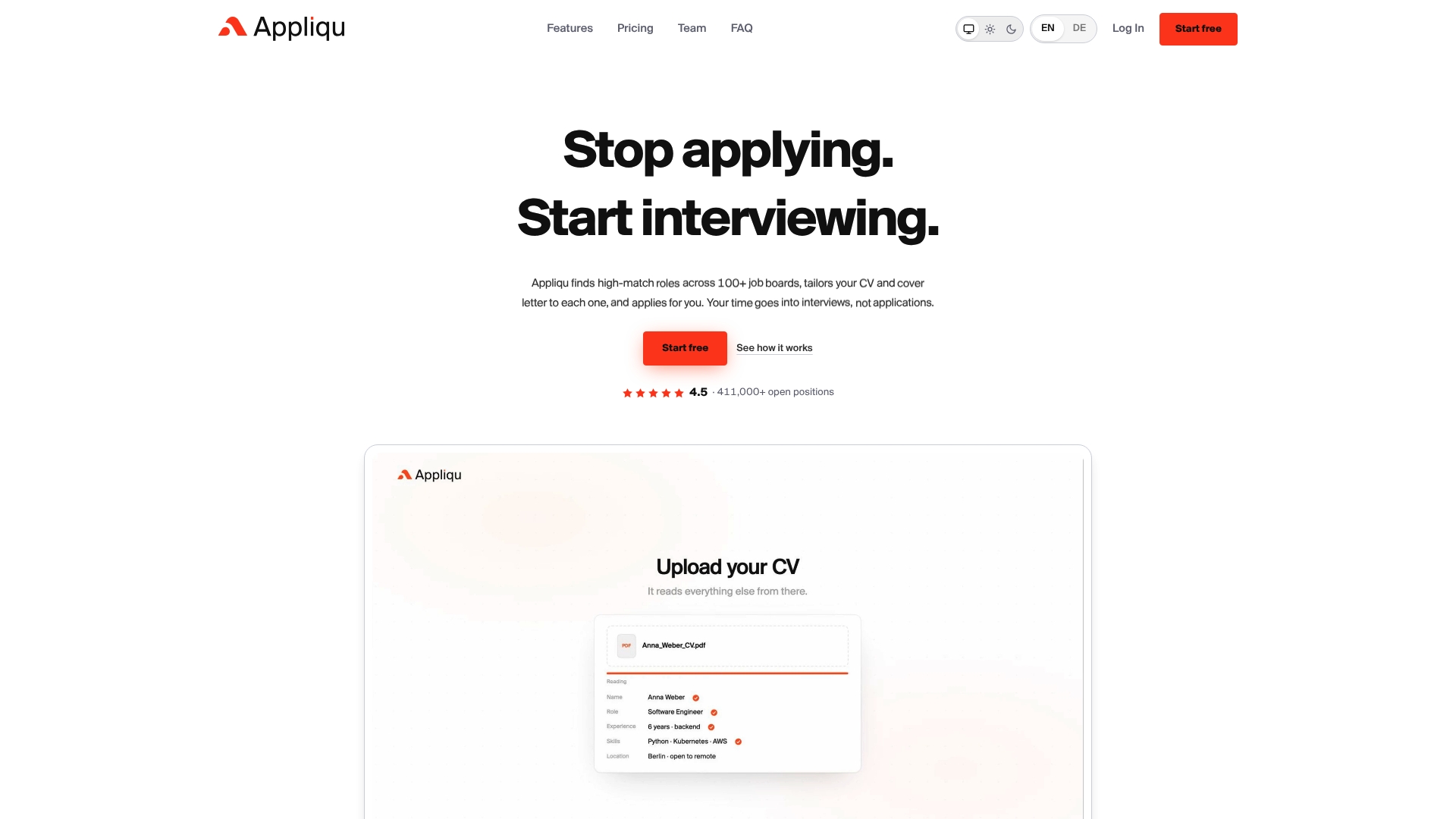
Everything above, search, semantic matching, tailored documents, controlled submission and tracking, is what Appliqu runs in practice: scanning over 100 job portals, matching against full job descriptions rather than keywords, and keeping every CV editable by you before it goes anywhere.
- Start with Explorer, the permanent free tier, where Appliqu writes 5 applications so you can see the matching and tailoring quality first.
- Move to Core (29.90 EUR per month, VAT included) once you are ready to start sending, with 100 applications covered.
- Choose "on approval" if you want final say on every send, or Autopilot with your own daily caps once you trust the templates.
Visit the Appliqu plans and pricing page to pick the tier that matches how much of this you want running on its own.
FAQ
What is a job application pipeline exactly?
A job application pipeline is a system that automates finding, tailoring, submitting and tracking your job applications, so you manage the process from one place instead of juggling job boards, documents and e-mails separately. The best versions still include a human review step before anything is sent.
Is it safe to automate my job applications?
It can be, provided you keep facts accurate, personalise beyond the company name, and review documents before submission. CIPD's resourcing report found that 27% of organisations noticed excessive AI use in applications, and employers who monitor for it often reject those candidates, so restraint matters more than volume.
What does Appliqu cost?
Explorer is a permanent free tier where Appliqu writes 5 applications; sending starts with Core at 29.90 EUR per month for 100 applications. Pro costs 69.90 EUR per month for 300 applications plus the Appliqu Job Board, and Concierge costs 199 EUR per month for unlimited applications plus a senior consultant session, all prices including 19% VAT, as listed on the Appliqu pricing page.
How is semantic matching different from keyword search?
Semantic matching reads the entire job description to judge fit, rather than scanning for specific keywords that may or may not reflect the actual role. This tends to surface relevant postings that a keyword search would miss simply because the title or phrasing differs from your search terms.
Can recruiters tell if I used AI to write my CV?
Often, yes, particularly when phrasing is generic or mirrors the job posting too closely. CIPD's commentary on AI in recruitment notes that employers increasingly focus on interview evidence precisely because written applications can be AI-assisted, so keeping your own voice intact matters more than ever.