Test 24/7 Job Search With 5 Free Applications in Germany

A 24/7 job search uses continuous automation to scan dozens of job boards around the clock, matching new postings to your profile the moment they appear. The main benefit is simple: you see relevant roles faster, without spending evenings refreshing ten different tabs. The trade-off is equally simple: more opportunities only help you if quality control and data privacy keep pace with the volume.
TL;DR:
- Continuous automation improves matching accuracy by combining broad source coverage with semantic analysis of full job descriptions.
- Proper configuration of filters, freshness windows, and deduplication is essential to minimizing irrelevant matches and managing application volume.
- Using a tiered approach with slow calibration and approval settings helps maintain application quality during volume scaling.
- Automation is most effective for roles with standard titles and straightforward requirements, while manual craft remains crucial for tailored, senior, or highly specific applications.
- Protecting data privacy involves setting view-only connectors, limiting sensitive information sharing, and maintaining control over storage and deletion.
Table of Contents
- How continuous automated job search works
- Setting filters, alerts and rules to avoid noise
- Reviewing, personalising and sending without losing quality
- Privacy and data handling for continuous job searches
- How Appliqu fits a continuous job search
- Where automation helps and where it does not
- Get started with Appliqu safely
- Selected reading and internal resources
- FAQ
How continuous automated job search works
A continuous search is fundamentally different from manual searching. Instead of you opening a handful of sites once a day, software checks many sources on a fixed schedule and surfaces only what matches your profile. The value of this approach depends entirely on how broad the source coverage is and how intelligently the matching works.
Breadth matters because no single board carries every relevant vacancy. A well-built continuous search should monitor:
- Major job boards and aggregators that list roles across industries and seniority levels.
- Company career pages, which often post openings before they reach third-party boards.
- LinkedIn and similar professional networks, where recruiters frequently post exclusive roles.
- Niche or sector-specific boards relevant to your field, such as technical, creative or healthcare platforms.
Coverage breadth alone is not enough. The second pillar is how postings get matched to your profile. Keyword matching looks for exact terms: if your CV says "project manager" and a listing says "programme lead", a keyword system misses the connection. Semantic matching reads the whole job description, meaning and context included, so roles with different titles but overlapping responsibilities still surface as relevant matches. Appliqu reads the full job posting rather than scanning for isolated terms, which is the practical difference between a flood of near-misses and a shortlist worth your time.
Freshness controls decide how recent a posting needs to be before it reaches you. A narrow window, say postings from the last 24 to 48 hours, keeps your list current and reduces the risk of applying to a role that has already filled. A wider window increases volume but raises the chance you are chasing a vacancy that closed weeks ago.
Deduplication solves a related problem: the same vacancy often appears on three or four different boards, sometimes with slightly different wording. A sound deduplication process should record the source URL and posting date, retain the freshest version, and collapse the duplicates into one actionable item with its provenance intact. Without this, you risk applying twice to the same employer through two different channels, which looks careless rather than keen.
Prioritisation rules determine the order in which matches reach you: by salary band, seniority, location proximity or recency. Get these rules wrong and you spend your attention on the least relevant 20% of matches first. Get them right and the best-fitting roles sit at the top of your list every morning.
Setting filters, alerts and rules to avoid noise
The quality of a 24/7 search depends less on how many sources it checks and more on how precisely you configure it. Vague filters produce a flood of irrelevant postings; overly narrow filters produce silence. The goal is a configuration that matches your actual goal, not a generic "find me jobs" setting.
- Define your goal first. A career changer needs broader title variants and a willingness to include adjacent roles; an entry-level candidate needs filters that exclude postings demanding years of experience they do not have; a remote-first candidate needs location filters set to remote or hybrid before anything else.
- Set salary and seniority bands realistically. A band that is too wide buries strong matches among postings you would never accept; too narrow and you miss roles with negotiable terms.
- Choose a freshness window that matches your pace. Daily jobseekers can use a 24 to 48 hour window; those searching more casually can widen it to a week without losing much relevance.
- Tag duplicates by source and date, so the same vacancy found on a board and a company site collapses into a single entry rather than two separate tasks.
- Review and adjust weekly. Filters that felt right on day one often need tightening once you see what actually comes through.
Pro Tip: Run a two-week slow cadence, a handful of matches a day rather than dozens, before increasing volume, so you calibrate quality before scaling automation up.
This calibration period matters more than most job seekers expect. Widening every filter from day one produces a backlog of mismatched postings that is harder to triage than a smaller, cleaner list. Starting narrow and expanding deliberately keeps the signal-to-noise ratio in your favour.

Reviewing, personalising and sending without losing quality
Automation finds the roles. What you do next determines whether those matches turn into genuine applications or generic noise that employers can spot instantly. A repeatable triage workflow keeps speed and quality working together rather than against each other.
- Score first. Let the matching engine rank postings by fit, so your attention goes to the strongest candidates before the weaker ones.
- Quick review second. Scan the top matches for obvious disqualifiers, wrong location, wrong seniority, before investing time in anything else.
- Personalise the key bullets. You rarely need to rewrite a whole CV or cover letter; changing the opening line, one or two achievement bullets and the closing paragraph to reflect the specific employer usually does the job.
- Send with pacing in mind. Submitting fifty applications in an hour rarely outperforms a steady, well-targeted pace, because quality control slips once volume accelerates past what you can genuinely review.
- Track everything. A shortlist with status, date sent and next action keeps follow-up timely instead of accidental.
Editable templates make this workflow faster without making it impersonal: a strong base CV and cover letter, with two or three fields built specifically for swapping in role-specific detail, lets you personalise in minutes rather than starting from scratch each time. Appliqu's collaborative CV editor keeps every edit visible and approvable, which matters when you want automation to save time without removing your judgement from the final document.
Pacing also protects your reputation with recruiters. A sudden spike of generic applications to the same company through different job titles signals automation done badly. Steady, considered volume signals the opposite.
Privacy and data handling for continuous job searches
Automating your job search means a service will handle personal data: your CV, work history, contact details and, in many cases, your login credentials for the boards it checks. Before switching on any continuous search, it is worth confirming exactly what is collected and why.
Ask any provider:
- What personal data is stored, and for how long after you stop using the service.
- Whether your data is shared with subprocessors, and which ones.
- Whether you can export or permanently delete your data on request.
- Whether the connector type is view-only (reading postings) or submit-capable (sending applications on your behalf).
Connector type changes your risk profile. A view-only connector that simply surfaces matches carries far less exposure than one that can submit applications automatically. This is precisely why an "on approval" mode, where every application waits for your confirmation before it sends, reduces the chance of an unintended or poorly matched submission reaching an employer. Starting with on approval mode is the safer default for anyone concerned about consent and accidental submissions, and it gives you a clear audit trail of what was sent and when.
Practical mitigation steps worth taking regardless of provider: limit the sensitive fields you share (date of birth, photo, marital status are rarely necessary at this stage), keep a local copy of every document version, and revoke access once your active search campaign ends rather than leaving a connector live indefinitely.
How Appliqu fits a continuous job search
Appliqu is built around the exact mechanics described above: it scans over 100 job boards, applies semantic matching to the full job description rather than keywords alone, and keeps every CV and cover letter editable before submission. The structure maps directly onto the workflow a careful job seeker needs.
- Explorer is a permanent free tier: Appliqu writes 5 applications so you can see matching quality before committing to anything.
- Core, at 29.90 EUR per month, is where sending begins: 100 applications, with the "on approval" mode available from the start.
- Pro, at 69.90 EUR per month, raises the ceiling to 300 applications and adds the Appliqu Job Board, a curated source on top of the standard scan.
- Concierge, at 199 EUR per month, removes the application limit entirely and adds a senior consultant session for candidates who want human input alongside automation.
All prices include 19% VAT.
Choosing between tiers comes down to volume and how much hands-on support you want. A focused search in a single field with moderate output usually sits comfortably within Core. A broader search across adjacent roles, or one that benefits from the additional Job Board listings, points towards Pro. Candidates who want a senior consultant's judgement alongside the automation, particularly useful for career changes or senior-level searches, will find that only Concierge includes it.
A sensible starter checklist: run Explorer first to judge match quality against your own profile, move to Core once you are ready to send, keep submissions on approval until you trust the matching, then switch to Autopilot only after that calibration period has shown the matches are consistently relevant.
Where automation helps and where it does not
Continuous automation earns its keep when you are applying to many similar roles: standard titles, comparable seniority, a well-defined CV that transfers cleanly across employers. In that scenario, the marginal cost of reviewing each match is low and the marginal benefit of broader coverage is high.
It earns its keep far less when a role calls for a portfolio, a bespoke cover letter addressing a specific project, or a senior position where the hiring manager expects evidence of deep, individual research into the company. In those cases, automation can still find the posting, but the application itself deserves manual craft.
A short test before you let a match go through unreviewed: would a recruiter notice if this exact application went to five other companies this week? If the honest answer is yes, that is the moment to slow down and personalise by hand rather than let the system do the talking.
Alex
Get started with Appliqu safely
If you want the coverage of a continuous search without losing control over what gets sent, Appliqu is built to let you see match quality before you commit to volume.
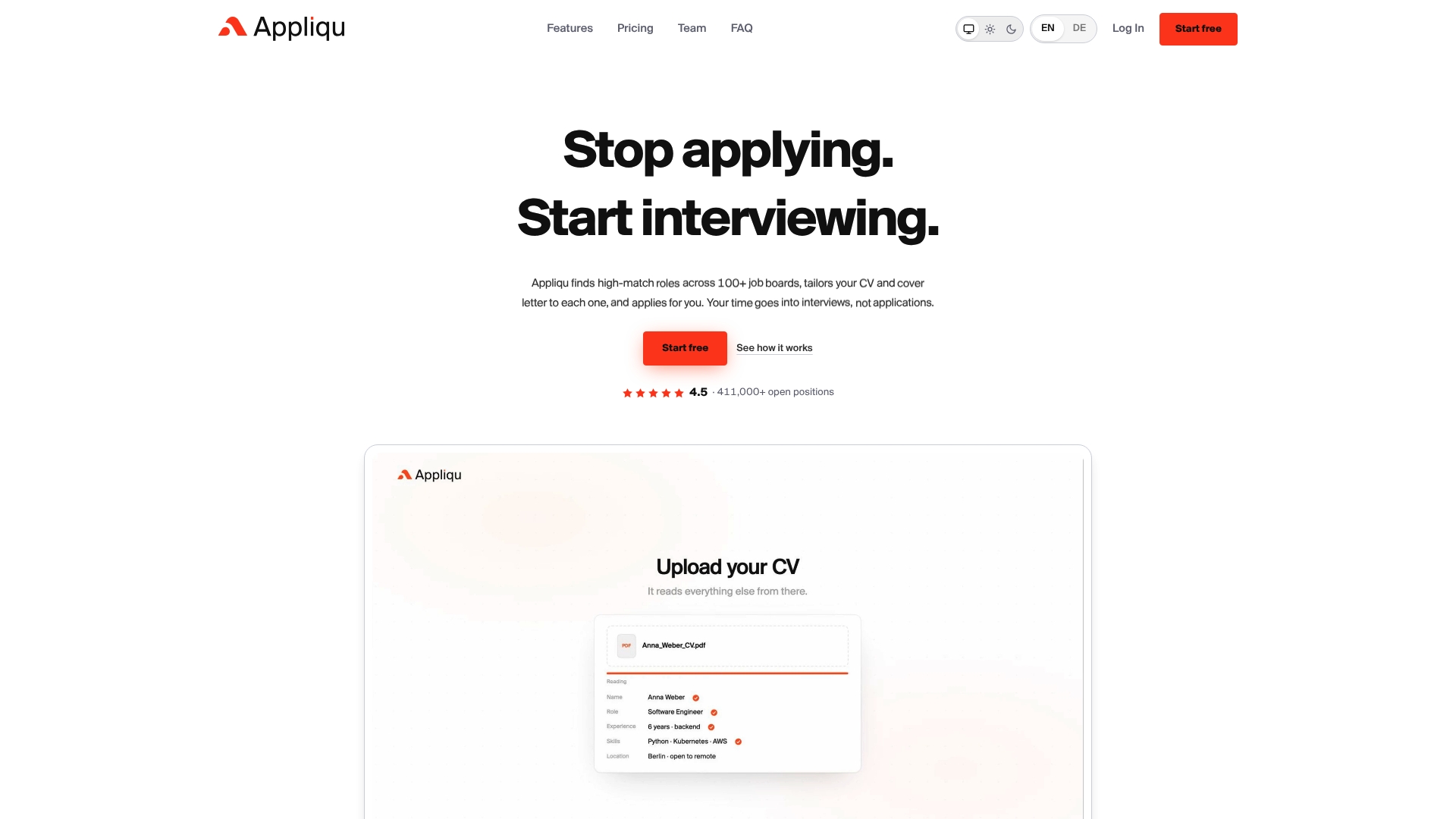
Start in Explorer to see how the matching performs against your own CV, then move to Core when you are ready to send applications, keeping submissions on approval until the quality feels right.
- Try Appliqu's landing page to compare Explorer, Core, Pro and Concierge directly.
- Read how AI can tailor a CV for every application before you set your filters.
- Check what to look for in an auto-apply tool if you are comparing options.
Plan names and prices are listed on the landing page, so you can verify every detail before subscribing.
Selected reading and internal resources
For setup detail beyond this guide, see the best job boards to monitor in 2026 and cover letter generators versus job agents. For the regulatory side of automation, your national data protection authority's guidance on GDPR remains the primary reference point.
FAQ
How to make $25 per hour online?
Reaching that hourly rate online usually means freelance or remote roles in skilled areas such as writing, design, programming or virtual assistance, where rates scale with experience and portfolio strength. A continuous job search set to remote filters can surface these postings as they appear, though the rate itself depends on your skills and negotiation, not on the search method.
Is 37 too old to start a new career?
No single age disqualifies a career change, and employers across most sectors hire based on transferable skills and relevant experience rather than age alone. A semantic matching search is particularly useful here, since it can surface adjacent roles that value your existing experience rather than only exact title matches.
What are the best job search platforms?
The strongest results typically come from combining major aggregators, company career pages and professional networks like LinkedIn, rather than relying on one source alone. A round-up of job boards worth monitoring covers platform coverage in more detail.
Which jobs will survive AI?
Roles built around complex judgement, interpersonal trust and hands-on physical skill, such as senior management, skilled trades and specialised healthcare, tend to be harder to automate than routine, repetitive tasks. Definitions of "AI-proof" vary by source, so treat any specific list as a general guide rather than a guarantee.
Does Appliqu guarantee I will get interviews?
No. Appliqu increases the number of relevant applications you can send through continuous matching and personalised documents, but it does not promise interview or response outcomes. Every submission on Core and higher tiers can be reviewed on approval before it sends, giving you control over quality alongside the volume.