AI CV Screening: How It Works and How to Pass It

AI CV screening is software that reads an application, turns it into structured data, compares it with the criteria an employer set for the role, and then scores, ranks or sorts applicants for a recruiter to review. It does not judge you as a person. It judges how clearly your CV shows the skills, experience and qualifications the employer asked for. That makes the outcome far more controllable than most applicants assume.
This guide explains the mechanics step by step, what automated screening can and cannot read, your rights in the UK, and the practical changes that make your CV easier to interpret.
TL;DR
- AI screening parses your CV into fields, matches them against the employer's criteria and produces a score or ranking for a human to review.
- Modern systems use language models rather than only exact keywords, but they still misread complex layouts and unusual career paths.
- A simple layout, a separate skills section and wording that mirrors the job advert (without copying it) make your CV easier to read correctly.
- In the UK, you have rights around solely automated decisions, and the regulator has published guidance for jobseekers.
- Each application needs its own tailoring, because the criteria change with every role.
Table of Contents
- What AI CV screening is
- How automated CV screening works, step by step
- What the system reads in your CV
- Where automated screening goes wrong
- How to make your CV easier to interpret
- Your rights in the UK
- Our perspective
- Appliqu for applications that match every role
- A checklist before you submit
- FAQ
- Sources
What AI CV screening is
Employers receive far more applications than a team can read closely, so many use screening technology. Indeed describes automated screening as evaluating applications against criteria the employer defines, with results shown as candidate summaries or alignment information for recruiters to review. Lever defines it in similar terms: artificial intelligence reviews CV information against role-specific criteria and organises or prioritises applicants for human review.
Two points follow from these definitions:
- The employer sets the yardstick. The system does not decide what a good candidate is. It measures you against a list someone wrote.
- The output is usually advice to a person. A score or ranking narrows and orders the queue. Whether a human sees your application first depends on the employer's process.
You may also see the term "automated CV screening" or "automated sifting". They describe the same family of tools, from simple knockout questions to language-model scoring.
How automated CV screening works, step by step
Products differ, but the workflow is consistent. One industry guide lists parsing, knockout rules or other constraints, matching against role criteria, ranking or an evidence-based assessment, and a handover to a recruiter or applicant tracking system (ATS).

1. Role intake
The employer states what the role needs. According to Lever, this typically includes essential skills, experience, certifications, location requirements and work-authorisation requirements. Everything later depends on this list.
2. Parsing
The system converts your CV file into structured fields. Lever lists job titles, skills, education, certifications, work history, employers, dates and credentials. If a field cannot be extracted, the later steps never see it.
3. Knockout rules
Some criteria are binary: a right-to-work answer, a required licence, a location. A missing answer can remove an application from the main queue before any scoring happens.
4. Matching
Older systems counted exact keywords. Current systems use machine learning and natural language processing to interpret context, recognise synonyms and estimate experience level. Researchers at Cambridge describe a range of methods, from rule-based extraction to semantic similarity and large language models, all comparing the skills in a CV with those in the job description.
5. Scoring and ranking
The system produces a score, a ranking or a written assessment. Recruiters often see the reasons next to the number. Hireo recommends reading the reasons behind a score rather than the number alone.
6. Human review
The shortlist goes to a recruiter or into the ATS. Lever advises using the output to narrow and organise the review queue, not as the final word on who deserves an interview.
What the system reads in your CV
Automated analysis can extract contact details, roles with company names and dates, education, skills and languages. It cannot see how you communicate or how you work in a team, because a CV does not show that.
The table below shows where information sits and how it is likely to be treated.
| CV element | What the system does with it | What helps |
|---|---|---|
| Job titles and employers | Extracts them as structured fields | Plain "Title, Employer, Dates" lines |
| Dates | Calculates length of experience | Consistent format, such as Mar 2021 to Jun 2024 |
| Skills | Matches them against the role's required skills | A separate skills section with bullet points |
| Education and certifications | Checks against stated requirements | Full names of qualifications and awarding bodies |
| Achievements | Read for context and level of responsibility | Specific, declarative sentences with figures you can verify |
| Location and work authorisation | Often used as a knockout filter | State them clearly at the top |
Where automated screening goes wrong
Knowing the failure points lets you avoid most of them.
Parsing errors. Unusual layouts, two-column designs and careers that do not follow a title, employer, date pattern can be misread, and information that is dropped at the parsing stage is invisible to every later step. This is the most common avoidable problem.
Bias in the system. An employment studies toolkit warns that bias can be built into AI systems and that commercial concerns limit what is known about how they produce recommendations. A review in Springer notes that algorithmic bias may stem from training data.
Proxies such as career gaps. The UK Recruitment and Employment Confederation advises employers to consider whether automated sifting assesses employment gaps, and warns that using gaps may disproportionately affect candidates with caring responsibilities. If you have a gap, state it in one plain line with the reason.
Uneven extraction quality. The Cambridge researchers point out that extraction quality varies across CVs. The same experience, written two ways, can be read differently.
Safe oversight is a process question for employers. A 2026 academic review recommends evidence-linked explanations, keeping the original CV for verification, routing uncertain cases to people, and not inferring sensitive characteristics from names, photos, addresses or writing style.
How to make your CV easier to interpret
The aim is not to trick a filter. The aim is to make sure the system reads what you actually did. NPR's reporting on AI hiring tools gives the core advice: a simple layout without images, multiple columns, unusual fonts or special characters, and clear declarative sentences with specific data.
Apply it in this order:
- Use one column and a standard font. Skip text boxes, icons and graphics for skills ratings.
- Use conventional headings. "Work experience", "Education", "Skills". Creative headings can break field extraction.
- Keep every role in the same pattern. Title, employer, dates, then bullets.
- Create a separate skills section with bullet points, as NPR's advice recommends.
- Mirror the advert's wording without copying it. If the advert asks for "stakeholder management" and you did that work, say so in those words. NPR notes that copying the description verbatim is not the aim.
- Write specific sentences. "Managed a team of six and cut onboarding time from ten days to six" gives the system and the recruiter something to read. Only include figures you can prove.
- Export carefully and test the file. Our guide to exporting and testing a PDF or DOC CV walks through the check, and the ATS-friendly CV guide covers format in more depth.
For a deeper look at layout, fonts and file types, see our page on an ATS-compliant CV, and for the common misunderstandings about filters, ATS myths debunked.
Why one CV for every job does not work
Because the employer defines the criteria, every role has a different yardstick. A CV that matches one advert closely may match the next one poorly. Tailoring means reordering your strongest evidence, using the advert's terms for work you really did, and adjusting the summary. Read more on how AI can tailor your CV for each application, and on whether recruiters can tell if you used AI.
Your rights in the UK
Employers in the UK may use automated decision-making in recruitment if they have a valid reason. The Information Commissioner's Office (ICO), the UK data protection regulator, published what jobseekers need to know about automated recruitment decisions in March 2026, together with a report and draft guidance for employers. Its example describes the usual path: you submit a CV, the system looks for words, skills or qualifications, it may score, rank or filter you, and a high ranking can lead to interview.
The ICO's earlier audit of AI recruitment providers led to almost 300 recommendations, including explaining clearly to candidates how their information will be used.
Practical steps:
- Read the privacy notice on the application page. It should tell you whether automated tools are used.
- Ask for human review if a decision looks automated and wrong. Some employers publish a route for this. Acquia's notice, for example, lets applicants request human review of an automated flag, contest a result and correct inaccurate data.
- Correct inaccurate data. If a parsing error put wrong dates or titles on your record, ask for it to be fixed.
- Opting out has limits. One UK employer's guidance, discussed in search results for this topic, notes that opting out of AI evaluation does not guarantee a human review, so ask what the alternative process is before you decide.
Rules differ elsewhere. New York City requires notice and an alternative process on request for covered automated employment decision tools, and Illinois requires consent before AI analyses a recorded video interview. The EU AI Act treats recruitment and application screening as high-risk uses, with general application from 2 August 2026. If you apply across borders, check the rules of the country where the employer is based.
Our perspective
Most advice on screening treats it as a wall to get past. We see it differently: it is a matching exercise, and matching rewards precision. Every job has its own criteria, so every application needs its own evidence in its own words.
That is hard to do by hand at volume. Reading a full posting, scoring it against your profile, rewriting a cover letter, adjusting the CV and entering it all into an employer's form takes a long time per role, and tired applicants cut corners at exactly the point where precision matters.
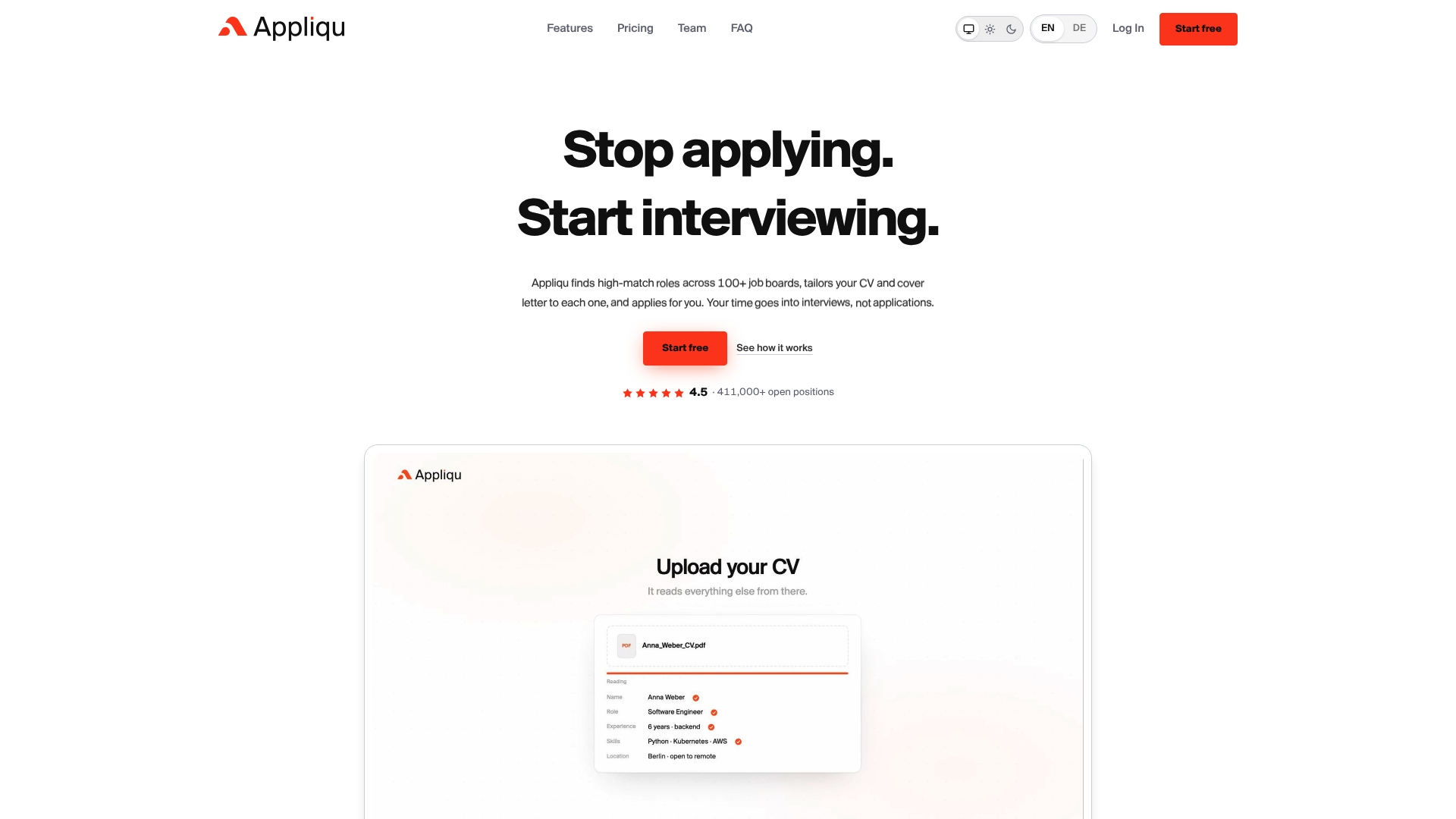
This is why Appliqu takes over the whole process rather than one step. Appliqu searches more than 1.5 million jobs from over 500 sources, including company career pages, and scores every role against your profile with semantic matching. Appliqu writes a tailored cover letter for each role, tailors your CV and applies for you in the employer's own application form. Every application is individual, with no mass emails.
You decide how much control you keep. In approval mode you approve every application yourself. On Autopilot, Appliqu applies on its own. Either way, you edit your CV together with Appliqu, so what the employer's system parses is a document you have checked.
Niclas Fischell
Appliqu for applications that match every role
Appliqu finds roles that fit your profile, writes the cover letter, tailors your CV and sends the application through the employer's own form, then connects to your inbox to detect replies and interview invitations and keeps all your applications in one place.
The Explorer plan is free forever, and Appliqu writes 5 applications there so you can see the result on real roles. Sending applications starts with Core at €29.90 per month for 100 applications. Pro is €69.90 per month for 300 applications, plus the Appliqu Job Board. Concierge is €199.00 per month with unlimited applications and a senior consultant session. Prices include VAT where applicable. See the plans.
If you want to see how a tailored letter reads before you choose a plan, our cover letter examples show three full letters alongside the job advert.
A checklist before you submit
- The CV is one column, with standard headings and consistent date formats.
- Your skills appear in their own section and in your experience bullets.
- The advert's key requirements are answered in its own terms, truthfully.
- Right to work, location and notice period are stated clearly.
- Any career gap has a single, factual line.
- You have opened the exported file and checked that the text copies out in a sensible order.
- You have read the privacy notice and know how to request human review.
FAQ
Does AI CV screening automatically reject applicants?
Not always. Many systems score or rank applicants and pass the result to a recruiter, and some apply knockout rules for requirements such as work authorisation. What happens depends on how each employer configured the process. Ask the employer or read its privacy notice if you want to know.
Can a qualified applicant be missed?
Yes, mainly through parsing errors and wording that does not match the criteria. Parsing errors can propagate because information lost early is invisible later. A plain layout and clear, specific wording reduce that risk.
Should I copy keywords from the job advert?
Mirror the advert's terms for work you have really done, but do not paste the description. NPR's guidance says to mirror keywords without copying verbatim and to put skills in their own section.
Can I ask for a human to review my application?
In many cases you can ask, and some employers publish a process. In the UK, the ICO has published guidance for jobseekers on automated recruitment decisions. Contact the employer's data protection contact and ask for review and correction of any inaccurate data.
Sources
- Indeed: Automated resume screening
- Lever: AI resume screening for employers
- Recruitment AI: How AI candidate screening works
- Airbyte: AI resume screening
- Cambridge: Comparing AI-based approaches to candidate screening
- Hireo: What automated CV analysis catches and what it misses
- Institute for Employment Studies: AI toolkit
- Springer: Role of artificial intelligence in employee recruitment
- REC: Automated sifting tools
- IJARSCT: Resume screening and candidate review
- NPR: How to make it past AI resume screening
- Acquia: Notice of automated screening tools
- Hirevire: Compliant AI hiring in 2026
- Duperrin: AI and recruitment risks