Automate Freelance Proposals, Keep ATS Fit and Human Review

You can automate applications for freelance job listings, provided a person reviews every draft before it leaves your outbox. Your first step is to choose between on approval and Autopilot, then write down a sign-off rule. Official ATS guidance from JobHelp and CIPD research both support this approach, and we built Appliqu around it.
TL;DR:
- Start in on approval mode while you assess draft quality; use Autopilot only for narrow role types with reliable templates and strict filters.
- Build an ATS readable base CV in DOCX, using plain headings and no images or complex tables, then tailor truthful keywords to each listing.
- Before each send, verify the job title, client name, contact details, availability, role specific example, and natural wording; keep every draft editable.
- CIPD reports that 27% of organizations that tried to recruit said candidates made excessive use of generative AI, and some employers reject applicants for it.
Table of Contents
- What does automation actually do for freelance applications?
- How do you set up automation for freelance job listings?
- How do you make your CV readable to ATS?
- How do you use automation responsibly?
- What should you check before every automated send?
- Where I land on speed versus craft
- How we help you automate applications with Appliqu
- FAQ
- Sources
What does automation actually do for freelance applications?
Automation takes over the repetitive part of applying so that your attention goes to the part that decides outcomes: relevance and voice. A well-configured workflow covers several tasks:
- Job discovery: scanning many job boards on a schedule instead of you refreshing tabs.
- Semantic matching: comparing the full job description with your profile, not only isolated keywords.
- Draft creation: producing a tailored CV and cover letter for each listing.
- Scheduling and sending: submitting applications at the times and volumes you set.
- Tracking: recording what was sent, where and when.
Two workflow modes decide how much control you keep. In "on approval" mode, you receive drafts and release each one yourself. Autopilot sends automatically once a listing passes your thresholds. Choose on approval while you are still learning what good output looks like for your field, and move to Autopilot only for narrow, well-tested role types where your templates rarely need changes.
The limit is simple. Automation speeds up repetition, but it cannot know that a client's brief mentions a tool you have used for years, or that your tone should be warmer for a design studio than for an engineering consultancy. That judgement stays with you.

How do you set up automation for freelance job listings?
Follow these steps in order. Each one feeds the next, so skipping ahead tends to produce generic drafts.
- Define your target roles. Write down the role titles you want, then collect representative job adverts for each.
- Extract keywords. Pull recurring terms from those adverts (tools, methods, deliverables). Our guide on choosing keywords from a job ad shows how to verify they survive parsing.
- Build base documents. Create one ATS-friendly CV and one cover letter template. Keep both fully editable, so every draft can be corrected by hand.
- Choose your mode and filters. Select on approval or Autopilot, then set match thresholds, minimum fees or day rates, and excluded keywords.
- Set a review checkpoint. Decide how much time you spend per draft and what you always check: the job title, the opening line, one role-specific example.
- Test small. Generate a handful of drafts before any sending starts. Explorer, our permanent free tier, lets Appliqu write 5 applications so you can judge quality at no cost. Our article on avoiding auto-apply mistakes walks through that test run.
- Monitor weekly. Once a week, reread a few sent applications, note which templates read stiffly and adjust your prompts. Our advice on short proposal letters helps with tightening the opening lines.
Pro Tip: Keep a running note of phrases you correct more than twice. Those corrections belong in your base template, so you stop repeating the same edit.
How do you make your CV readable to ATS?
An applicant tracking system can only rank what it manages to read. Official guidance explains that these systems scan CVs for keywords and semantic matches, and that standard DOCX files without pictures or complex tables parse most reliably. Anything that hides your text inside a graphic risks arriving as a blank section.
Apply these rules to the base CV you feed into automation:
- File format: use DOCX, not a designed PDF export, a scanned image or a layout built from text boxes.
- No decoration: skip photos, icons, skill-rating bars, charts and multi-column tables.
- Clear headings: use plain labels such as Experience, Education and Skills, so parsers can sort your content.
- Concise bullets: one achievement or responsibility per line, starting with a verb and naming the tool or method used.
- A short skills line: list your core tools in one row, which helps both keyword and semantic matching.
- Mirrored language: reuse the advert's wording where it is true for you, in context. "Built monthly reporting dashboards in Power BI" works; a pasted block of keywords does not.
For German-language applications, check that umlauts and date formats survive the upload. Several common myths about how ATS behave are sorted out in our piece on ATS myths, which also points to a free CV check.
How do you use automation responsibly?
Employers have noticed AI-assisted applications, and some react badly. The CIPD resourcing and talent planning report notes that 27% of organisations that tried to recruit said candidates made "excessive" use of generative AI, that over a third of employers try to monitor AI use, and that many reject candidates for it. The takeaway for you is not to avoid automation, but to avoid output that looks automated.
CIPD commentary on dealing with AI in applications recommends treating AI as a partner while keeping human judgement central. Civil Service application guidance takes a similar line: AI can help you enhance an application, but the application remains yours.
In practice, that means:
- Add one role-specific example to every draft before approving it.
- Never send two near-identical applications to different clients.
- Be ready to explain any claim in your CV in your own words at interview.
- Prefer editable drafts you can verify over fully hidden, unreviewable output.
If you want the legal side as well, we cover it in our article on whether auto-apply is legal.
What should you check before every automated send?
Run through this list before approving a draft or switching a schedule on:
- The CV is a DOCX file with no images or complex tables.
- Role keywords appear naturally in both the CV and the cover letter.
- For on-approval drafts, you have read the text yourself; for Autopilot, you have rechecked thresholds and exclusions.
- Contact details, job title and availability are correct.
- The client or company name is spelled right and matches the listing.
- A weekly slot is in your calendar to review replies and adjust templates.
Where I land on speed versus craft
I use automation to buy back hours, not to stop writing. When I first trusted the drafts too quickly, the weak spots were always the same: a polite but empty opening line and a skills list that ignored the client's actual stack. Fixing those once in the base template did more than any amount of tweaking per application.
My habit now is a weekly audit. I pick a few sent applications, read them as the recipient would, and ask whether anything sounds like it could have gone to anyone. If it does, the template changes. If you are starting out, stay in on approval mode until your edits become rare. Autopilot is a reward for a template you have earned, not a shortcut around building it.
Alex
How we help you automate applications with Appliqu
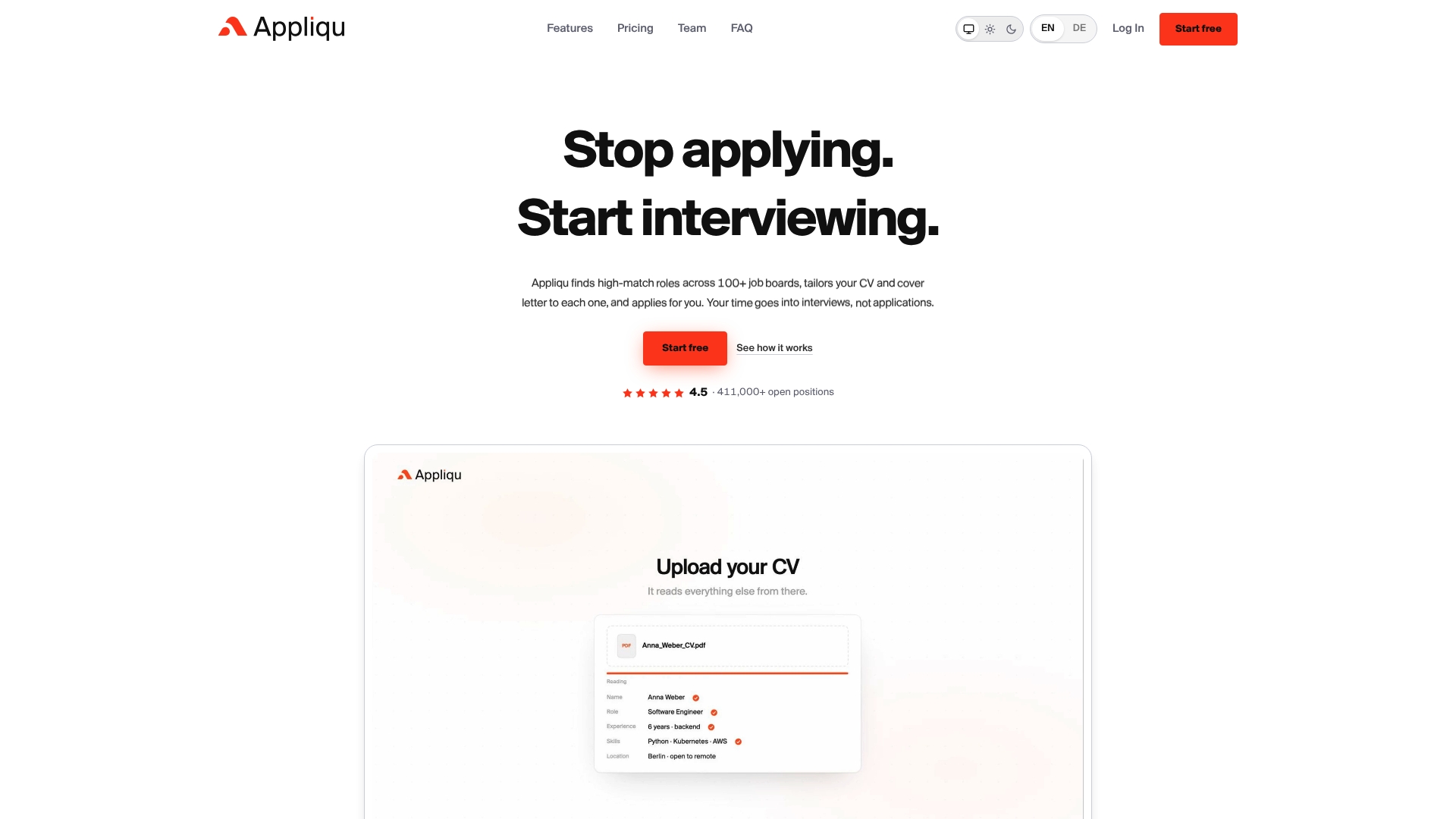
If you would rather not assemble this workflow yourself, we built it into one place. Appliqu reads the full job posting, matches it semantically across many job boards, and drafts a tailored CV and cover letter that stay fully editable.
- Explorer: a permanent free tier where Appliqu writes 5 applications, so you can test the workflow first.
- Core: 29.90 EUR per month, 100 applications, and sending starts here.
- Pro: 69.90 EUR per month, 300 applications, plus the Appliqu Job Board.
- Concierge: 199 EUR per month, unlimited applications, plus a senior consultant session.
Prices include 19% VAT, and you choose between "on approval" and Autopilot. Start with Explorer and review your first five drafts before upgrading.
FAQ
Can I automate freelance job applications?
Yes, as long as you keep a human review step. Employers increasingly watch for AI use, and CIPD reporting says some reject candidates for excessive use, so editable, verified drafts are the safer route.
Which file format works best for ATS?
DOCX is the safest choice. Official ATS guidance advises against images and complex tables because non-standard formatting can stop a CV from being parsed correctly.
Should I use on-approval mode or Autopilot?
Start with on approval, where you release each draft yourself. Move to Autopilot only for narrow role types where your templates have proved reliable and your thresholds are tight.
How many keywords should I take from a job advert?
Aim for recurring terms across several adverts for the same role. Use them in context within bullets and your cover letter rather than as a pasted list.
Sources
- Resourcing and talent planning report
- Getting through Applicant Tracking Systems - JobHelp
- Application guidance | Civil Service Careers