Internship Application Automation for Students: Start on Approval

You can automate the repetitive parts of internship applications and still keep each one tailored, provided you stay in control. The tasks worth handing over are CV tailoring, cover letter drafts, form filling and tracking. Start in "on approval" mode, so you review every draft before it is sent, and only move to automatic sending once your first batch looks right.
TL;DR:
- Use automation for form filling, tracking, and routine document edits, but write motivation essays, portfolio descriptions, and other unusual requirements yourself.
- Full posting analysis can match relevant evidence better than keyword matching, which may create generic text; verify every claim before sending.
- Reserve Autopilot for roles you have already vetted, and choose tools with preview screens, document history, and employer exclusion rules.
- Pilot a small batch, checking names, dates, attachments, portal questions, and wording tailored to each employer; correct recurring errors in your profile and mapping rules.
- Explorer is permanently free for five application drafts; sending begins with Core at €29.90 per month for 100 applications.
Table of Contents
- What can you automate in an internship application?
- How does automated internship application software work?
- How do you set up internship application automation, step by step?
- Which questions should you ask before choosing an automation solution?
- What are the common pitfalls of automated internship applications?
- Why quality still beats volume in internship applications
- Appliqu as a ready way to start
- FAQ
What can you automate in an internship application?
Not every step benefits equally. Automation pays off where the work is repetitive and the rules are clear, and it pays off least where one application deserves your full attention.
- CV tailoring: reordering sections, putting the relevant coursework or project first, and adjusting phrasing to echo the language of the posting.
- Cover letter drafts: a role-specific opening plus evidence snippets pulled from your profile, for example a seminar paper or a part-time job.
- Form autofill: mapping your CV data to the fields of an employer portal, so you stop retyping your degree, dates and grades.
- Tracking: status updates, calendar entries and reminders for follow-ups.
Human review stays essential for high-value roles, such as a competitive programme at a large corporation, or for postings that ask for something unusual: a motivation essay, a portfolio link, a specific project description. In those cases treat the automated draft as a starting point and rewrite the parts that carry your voice.
Pro Tip: Automate the tasks you would do identically every time, and keep the sentence that explains why you want this particular internship in your own hands.

How does automated internship application software work?
The key difference between useful tools and spam machines is how they read a posting. Simple keyword matching scans for terms and inserts them, which produces generic, clumsy text. Semantic analysis reads the whole job description and works out what the role actually asks for, so your CV can emphasise the right experience without stuffing in buzzwords. Our own approach at Appliqu is semantic: we read the full posting rather than counting keywords.
A typical draft pipeline looks like this:
- Parse the posting: the tool extracts tasks, requirements and tone.
- Choose matching evidence: it selects the projects, modules and skills from your profile that fit best.
- Format the documents: CV and cover letter are assembled in a layout employers can read.
- Prepare attachments: certificates and references are attached where the portal asks for them.
Two modes control what happens next. In "on approval" mode, nothing leaves until you have checked and confirmed it. In Autopilot, applications are sent automatically once they match your criteria. For internships, where a single careless mistake can cost you a place you really wanted, we recommend starting with "on approval". Good safeguards include a preview screen before sending, version history for every document, and opt-out rules for employers or role types you never want to apply to.
If you want to understand the wider logic of putting fit before volume, our guide to job search automation workflows covers it in more depth.
Your attachments also have to survive the employer's applicant tracking system. Jobscan's analysis of resume parsing is a useful reference for why clean formatting matters, whichever tool produces the file.
How do you set up internship application automation, step by step?
Treat this as a workflow: prepare, template, test, scale. You can complete the first pass at your own pace.
- Prepare your CV profile. Enter your education, projects, skills and achievements in standardised fields: degree, institution, dates, grade, project title, your role, the outcome. Consistent field names are what allow automation to map your data correctly later. Use the German CV conventions your target employers expect: reverse chronological order, a clear structure, and a professional photo only if that is customary for the role.
- Build a library of evidence snippets. Write two or three sentences for each notable experience, such as a thesis, a student society role or a lab project, and tag each with the kinds of role it supports (marketing, engineering, research). The automation will insert the best match for each posting, so write snippets that stand on their own and are factually precise.
- Pick your sources and search criteria. Decide which job boards, university career portals and company pages you want covered. Define keywords and phrases, the fields you are interested in, locations, language requirements and the internship duration you can manage alongside your studies. Narrow criteria beat broad ones: fewer, better-matched postings produce better drafts.
- Configure mapping rules and attachments. Tell the system which document goes where: CV, cover letter, transcripts, references. Check how it fills date formats, salary expectations and availability fields. Then choose "on approval" as your starting mode, so every application waits for you.
- Run a small pilot. Read each draft as if you were the recruiter. Look for awkward phrasing, an evidence snippet that does not fit, a wrong company name, or a claim you cannot back up. Refine your snippets and rules based on what you find, then increase the volume gradually.
Before you confirm any application, run through a short pre-send checklist:
- Your contact details are correct and your e-mail address is professional.
- The right CV version and the right attachments are included.
- The cover letter contains at least one paragraph that is unique to this employer.
- The company name, role title and start date match the posting.
- Nothing in the text claims a skill or experience you do not have.
Pro Tip: Keep a short log of what you changed in each pilot draft. As you review drafts, the recurring edits show you which snippet or rule to fix.
For a closer look at the common failure points before you scale, our article on how to choose a tool to apply to jobs automatically is a good companion.
Which questions should you ask before choosing an automation solution?
Before you hand over your CV and your applications, put a few direct questions to any provider, and check the answers on their website rather than assuming.
- Can you review before anything is sent? An "on approval" mode is the baseline for internships. If a solution only offers fully automatic sending, you lose your safety net.
- How is each application tailored? Ask whether the system reads the whole posting or just matches keywords, and whether you can edit every generated document.
- Which sources does it cover? Find out whether it searches the job boards and company pages relevant to your field, and whether you can exclude employers.
- What happens to your data? Ask where your CV and personal details are stored, who can access them, and how you delete them. Under European data protection rules, you are entitled to clear answers.
- What does it really cost? Look for the price per month, how many applications are included, whether VAT is included, and how cancellation works. Be wary of unclear fees.
- Is there a free way to test it? A permanent free tier lets you judge the draft quality before you pay for anything.
- How do you track results? You should be able to see every application, its status and the documents that were sent, in one place.
A provider that answers these plainly is usually one you can trust with your applications.
What are the common pitfalls of automated internship applications?
Most problems come from scaling too early or from handing over too much control. Watch for these warning signs.
- Sending in bulk before testing. A large batch of applications with the same wrong detail is worse than a smaller, carefully reviewed batch. Always pilot first.
- Generic cover letters. If your drafts could be sent to any employer unchanged, the tailoring is not working. Every letter needs something specific to the organisation and role.
- Overstated or invented experience. Evidence snippets must be true. An automated claim you cannot explain in an interview is a liability.
- Ignoring portal-specific questions. Some employers add screening questions or ask for a motivation essay. Automation can miss these, so check each submission against the portal.
- Weak data quality. Inconsistent dates, outdated contact details or a messy CV profile spread errors across every application.
- No monitoring. If you do not check replies, rejections and requests for further documents, you will miss interview invitations.
- Promises that sound too good. Be sceptical of any provider that guarantees interviews or placements. Nobody can honestly promise that.
- Applying to roles that do not fit. High volume does not compensate for poor fit. Keep your criteria tight and your rules explicit.
Our overview of safe job search automation approaches goes into how to keep control while you automate.
Why quality still beats volume in internship applications
My view is that automation is best understood as a way to protect your attention, not to multiply your output. Recruiters at internship level often read many near-identical applications, so the ones that stand out are the ones that show real understanding of the role. Automation helps you reach that standard consistently, because it removes the typing and leaves you time to think.
Three habits make the difference. Start small: pilot a handful of applications before you scale. Monitor replies: read every response, including rejections, because they tell you which snippets and criteria work. Keep control: stay in "on approval" mode until the drafts consistently need no edits, and even then keep Autopilot for roles you have already vetted.
Balancing volume and quality is the whole game. A smaller number of well-matched, reviewed applications will serve you better than a large number sent on faith.
Alex
Appliqu as a ready way to start
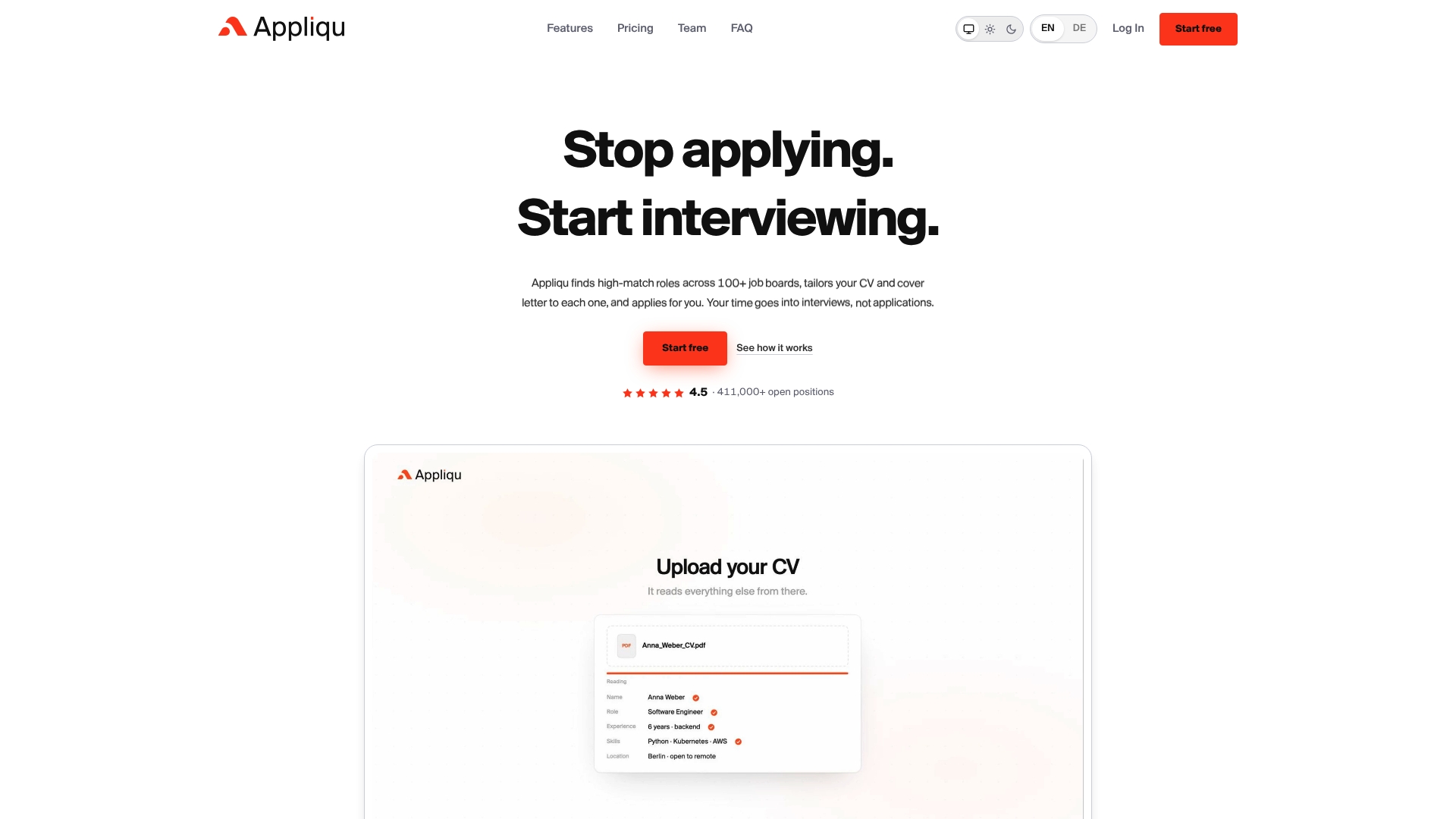
If you would rather not build this workflow from scratch, we offer it ready to use. We search job boards, read the full job posting rather than matching keywords, and prepare a tailored CV and cover letter for each role. You can work in "on approval" mode or switch to Autopilot, and every application is tracked in one place.
Our plans are straightforward. Explorer is a permanent free tier, where we write 5 applications for you. Sending starts with Core at 29.90 EUR per month for 100 applications. Pro costs 69.90 EUR per month for 300 applications and includes the Appliqu Job Board. Concierge costs 199 EUR per month for unlimited applications and includes a senior consultant session. All prices include 19% VAT.
The simplest next step is to start on Explorer, generate your first drafts and see how they read. When you are ready to send and scale, you can move up to a paid plan on our plans page.

FAQ
Is it safe to automate internship applications?
Yes, if you keep control of what gets sent. Use "on approval" mode so you review every draft, and check that each application contains accurate, employer-specific content. Fully automatic sending is best reserved for roles you have already vetted.
What should I automate first when applying for internships?
Start with form filling and tracking, because they are repetitive and low risk. Then add CV tailoring and cover letter drafts, reviewing each result before it is sent. Keep the personal motivation paragraph in your own words.
How many applications should I test before scaling up?
A small pilot can help you spot recurring problems. Review each draft, refine your evidence snippets and rules, and only then increase the volume gradually.
Can I try automated internship applications for free?
Yes. Our Explorer tier is permanently free and lets us write 5 applications for you, so you can judge the quality of the drafts before choosing a paid plan. Sending starts with Core.
Does automation work with German CV conventions?
It can, as long as your CV profile follows them: reverse chronological order, clear sections and consistent dates. Check the generated documents against what employers in your field expect before you send them.