Job Search Automation: Score Fit Before Volume in DACH

A job search automation workflow continuously finds relevant postings, scores them against your CV, drafts tailored application documents, and tracks everything in one place. We recommend starting with discovery and fit scoring before enabling bulk sending, since quality matching determines whether automation helps or simply speeds up irrelevant applications. Appliqu offers a managed version of this entire sequence.
TL;DR:
- Set a minimum fit score, confirm your base CV is complete and readable by applicant tracking systems, then test the workflow on a small batch.
- Use manual approval for senior or specialized roles, and reserve automatic sending for high volume categories only after tuning the scoring rules.
- A sample workflow scores postings against your CV on a 100 point scale, using 70 as an example threshold before saving tailored drafts for review.
- Prefer APIs when available because they are generally more stable than scrapers, and respect rate limits and site rules to avoid blocked access.
Table of Contents
- What an automated job search workflow actually does
- Core step-by-step workflow: components and sequence to build
- Tools and integrations to assemble the workflow
- Worked example: a compact automation recipe drawn from public workflow patterns
- Keep automation safe, ATS-friendly and reputationally sound
- A note on building and iterating your own workflow
- How Appliqu maps to this workflow and how to begin
- FAQ
- Sources
What an automated job search workflow actually does
An automated workflow combines several distinct functions into one pipeline, and understanding each one helps you judge what you actually need before building or buying anything.
- Discovery pulls new postings from job boards or company pages on a recurring schedule.
- Parsing extracts structured data from each listing: title, requirements, location, seniority.
- Fit scoring compares that data against your CV and preferences to rank relevance.
- Tailoring generates a CV and cover letter adjusted to the specific posting.
- Submission sends the application, either after your review or fully automatically.
- Tracking logs status, dates and outcomes in a central record.
The temptation with automation is to maximise volume, applying to everything that loosely matches. In practice, fit-quality tends to matter more than count, since a scoring step that filters out weak matches saves you from submitting documents that misrepresent your experience. Automation reduces the manual effort of searching and formatting; it does not remove the need to set sensible filters and review thresholds.
Core step-by-step workflow: components and sequence to build
Building the workflow means sequencing six components, each with its own inputs, outputs and settings you control.
- Job discovery: input is your search criteria (titles, locations, seniority); output is a raw list of postings; configure the schedule (hourly, daily) and the source boards.
- Parsing: input is the raw posting text; output is structured fields (role, requirements, salary band); configure which fields to extract.
- Semantic fit scoring: input is parsed fields plus your CV; output is a relevance score; configure the confidence threshold below which postings are discarded.
- Document tailoring: input is a high-scoring posting plus your base CV; output is a tailored CV and cover letter draft; configure tone and which sections adapt.
- Submission: input is the finished draft; output is a sent application, via "on approval" review or Autopilot; configure which roles qualify for automatic sending.
- Filing and tracking: input is the submission record; output is a searchable log of status and dates; configure fields like application date, response, and next follow-up.
A short checklist before you switch anything on: confirm your base CV is complete and ATS-readable, set a minimum fit score, decide which roles go to review versus automatic sending, and test the pipeline on a small batch first.
Pro Tip: Spend more time tuning your scoring rules than your submission volume: a tighter threshold produces fewer but more relevant applications.

Tools and integrations to assemble the workflow
Each component maps to a category of tool rather than a single product, and the right choice depends on how much technical setup you want to manage.
- Discovery connectors pull postings via job board APIs where available, or scrapers where they are not.
- Parsers and NLP models turn posting text into structured fields and support the scoring step.
- Document generation tools produce tailored CVs and cover letters from templates and extracted data.
- Schedulers and orchestration tools trigger each run and pass data between steps.
- ATS-friendly CV editors keep formatting compatible with applicant tracking systems while content changes.
- Tracking datastores, such as a spreadsheet or lightweight database, hold the application log.
APIs are generally more stable than scraping, but fewer boards expose one, which is why many public workflows mix both. Scraping also raises rate-limit and robots.txt considerations that you need to respect to avoid being blocked. Connector setup and error handling are usually the parts that benefit most from a technical helper, while scoring rules and CV tailoring can be configured by most job seekers directly. A multi-board discovery setup that covers 100+ boards removes much of this integration work on its own.
Worked example: a compact automation recipe drawn from public workflow patterns
A public n8n workflow collects LinkedIn postings, scores them against a CV, drafts tailored cover letters and logs results into Google Sheets for daily review. A related AI-powered job search workflow shows the same chain with a different scoring and document-generation setup. The sequence looks like this:
- Trigger: a scheduled run, for example once per day at a fixed time.
- Collect postings: pull new listings matching your saved search terms.
- Parse description: extract role, requirements and location into structured fields.
- Compute fit score: compare parsed fields against your CV and set a minimum threshold, say 70 out of 100.
- Generate tailored draft: produce a CV and cover letter adjusted to the posting.
- Save and mark status: write the draft and score into a spreadsheet or database, flagged for either manual review or Autopilot sending.
If you want to inspect or adapt the underlying logic, GitHub's jobsearch-automation topic page aggregates scraper and tracker repositories contributors share publicly. These patterns are the same whether you build them yourself or rely on a managed version: scheduled discovery, parsing, scoring, drafting, and a review step before anything goes out.
Keep automation safe, ATS-friendly and reputationally sound
Automation only helps your candidacy if the output is accurate and well-formatted, so a few safeguards matter regardless of which tools you use.
Choose "on approval" review for senior or niche roles where a misjudged match could cost you credibility, and reserve Autopilot for high-volume, well-matched categories where you trust the scoring. CV formatting should stay ATS-friendly throughout: a clean single-column structure, keywords placed in context rather than stuffed into a list, and a standard file format such as PDF or DOCX. Our post on tailoring resumes with AI covers formatting specifics in more depth.
- Deduplicate postings so you do not apply twice to the same role through different boards.
- Rate-limit your discovery and submission steps to avoid being blocked by source sites.
- Log errors so a failed parse or a missed submission does not go unnoticed.
- Keep an audit trail of what was sent, when, and in what version.
Pro Tip: Review a sample of automated drafts weekly, even on Autopilot, to catch formatting drift before it reaches dozens of applications.
A note on building and iterating your own workflow
Workflows like this reward patience more than ambition. Starting small, a daily run surfacing a handful of high-signal roles, lets you tune scoring rules before you ever touch submission volume. For deeper detail on staging this properly, our posts on a five-stage application workflow and safe automation approaches are worth reading alongside this guide.
Alex
How Appliqu maps to this workflow and how to begin
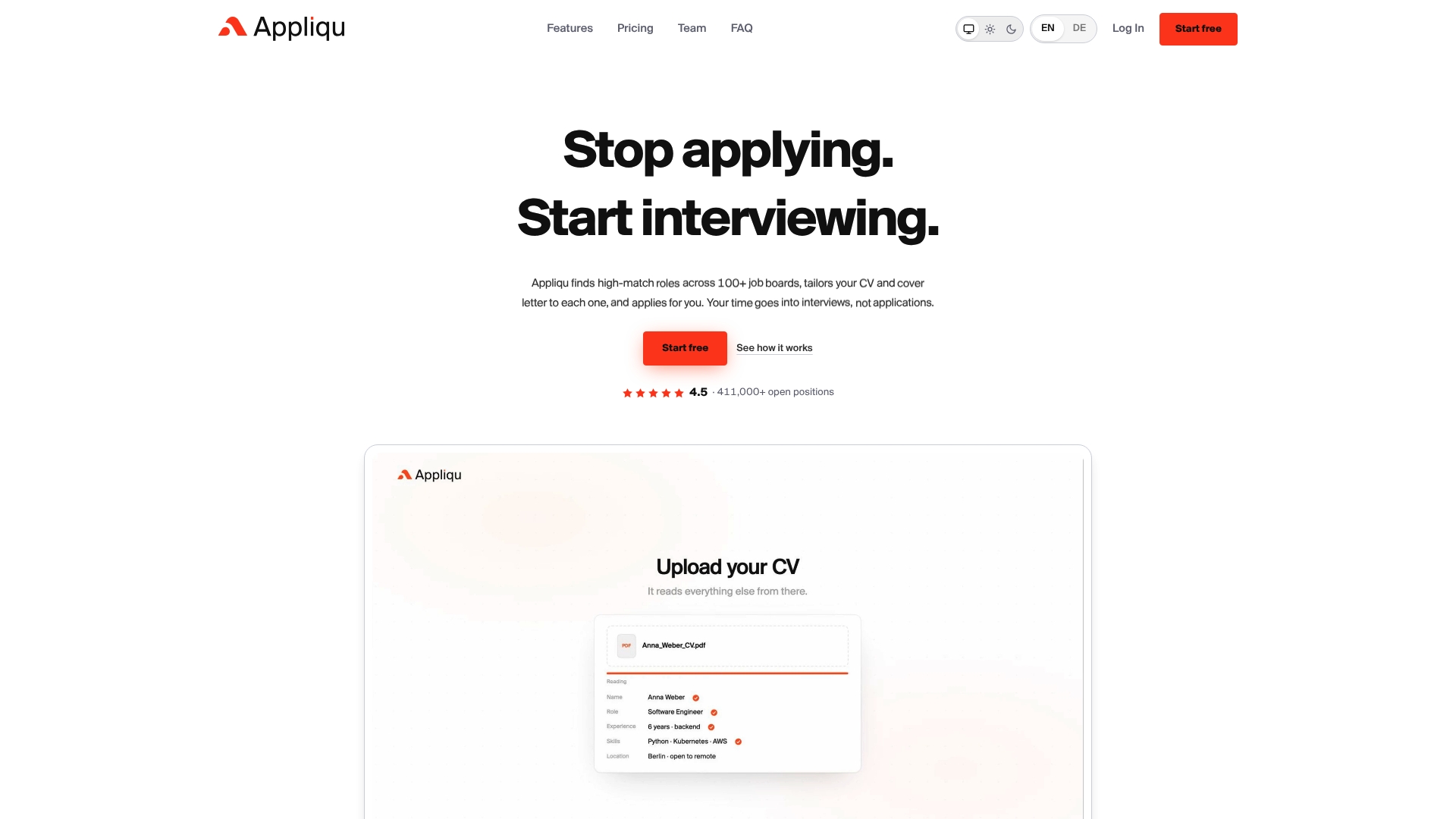
Each component above has a direct equivalent in what we offer. We scan numerous job boards for discovery, apply semantic matching rather than keyword search for fit scoring, generate tailored CVs and cover letters for the drafting step, and support both "on approval" and Autopilot for submission, with every application logged for tracking.
- Explorer is a permanent free tier that writes 5 applications, with no sending included.
- Core unlocks sending and covers up to 100 applications.
- Pro adds the Appliqu Job Board and covers 300 applications.
- Concierge includes unlimited applications and a senior consultant session.
If you want to see how document tailoring works in practice first, our guide on tailoring a CV for every application is a useful starting point. When you are ready to move from manual tracking to a managed pipeline, visit the Appliqu landing page to start with Explorer or compare Core and Pro against your expected application volume.
FAQ
What does a job search automation workflow actually automate?
It automates discovery of new postings, scoring them against your CV, drafting tailored application documents, and logging the results centrally. The submission step can either wait for your review or run automatically, depending on how the workflow is configured.
Do I need coding skills to build one myself?
Public recipes on n8n and GitHub's jobsearch-automation repositories require some comfort with connecting APIs and configuring triggers. A managed option removes that setup work if you prefer not to assemble the pipeline yourself.
Should I automate full submission or review applications first?
Reviewing before sending is generally safer for senior or specialised roles, where a poor match can affect your reputation with a recruiter. Automatic sending tends to work best for well-matched, high-volume categories once your scoring rules are tuned.
What does Appliqu cost?
Explorer is free and writes 5 applications without sending. Paid sending starts with Core at 29.90 EUR per month, Pro is 69.90 EUR per month with the Appliqu Job Board included, and Concierge is 199.00 EUR per month with unlimited applications and a senior consultant session, all prices including 19% VAT.
How do I keep an automated CV ATS-friendly?
Use a clean, single-column structure, place keywords in context rather than listing them separately, and export in a standard format such as PDF or DOCX. Our guide on tailoring resumes for ATS systems covers formatting details for this.